Multiplayer Browser Racing Game
Turbo Trolley
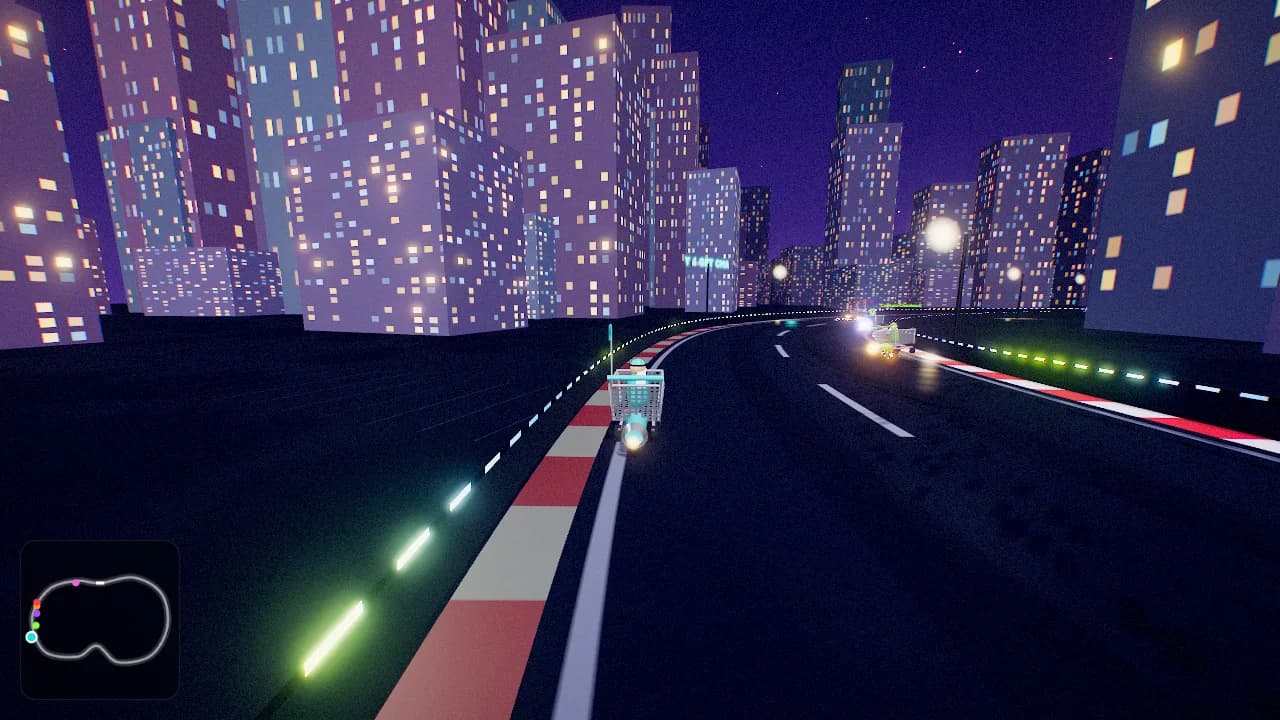
Turbo Trolley is a free multiplayer racing game with rocket-powered shopping carts. Bring your coworkers or friends to a browser race where drifting, rubber-duck missiles, and banana peels share the track.
How do you play Turbo Trolley?
Complete the selected number of laps and cross the finish line first. Charge mini-turbos by drifting and use items to change the race, or turn items off for a simpler driving session.
- Practice accelerating, braking, and steering before your first group race.
- Learn a corner with drift, then try using an item on a straight.
- Choose a track and lap count in the lobby, race, and return for a rematch.
Make it a good team break.
Use one lap and the Parking Lot Loop for a short introduction. Start with items off if the group wants to learn driving first. Add normal items once everyone can get around the track; Chaos items can wait for the rematch.
Before you choose: A lap count is not a fixed time limit. Driving experience will affect the pace, and players who arrive after the start may need to wait for the next race.
Read the team hosting guideWhat can the host customize?
Set up the round in the lobby. Available settings come from the game's current catalog.
- Track
- Parking Lot Loop · Rooftop Run · Mall Rush · Sunset Boardwalk · Frosty Freezer Lot · 🎲 Random
- Laps
- 1–7 laps
- Items
- Off · On · Chaos
- Fill with bots
- 0–9 botsBots take the empty grid spots, up to 10 racers.
- Bot skill
- Sunday drivers · Commuters · Getaway drivers
Turbo Trolley: common questions
How many people can play Turbo Trolley?
Turbo Trolley supports up to 10 players in a room. You can also try solo practice. For a group larger than 10, organize separate rooms rather than putting everyone into one match.
Is Turbo Trolley free and browser-based?
Yes. Turbo Trolley is free to play in the browser, with no game download or bunpav account required. Each person joins with a nickname. Check your device controls and workplace network access before hosting.
How do I play Turbo Trolley with coworkers?
Create a room and share its invite link or code. Keep your usual voice or video call open separately. Leave the room on Invite only if you want it unlisted; anyone with the link or code may still join.
What should a first-time Turbo Trolley host know?
Use one lap and the Parking Lot Loop for a short introduction. Start with items off if the group wants to learn driving first. Add normal items once everyone can get around the track; Chaos items can wait for the rematch.