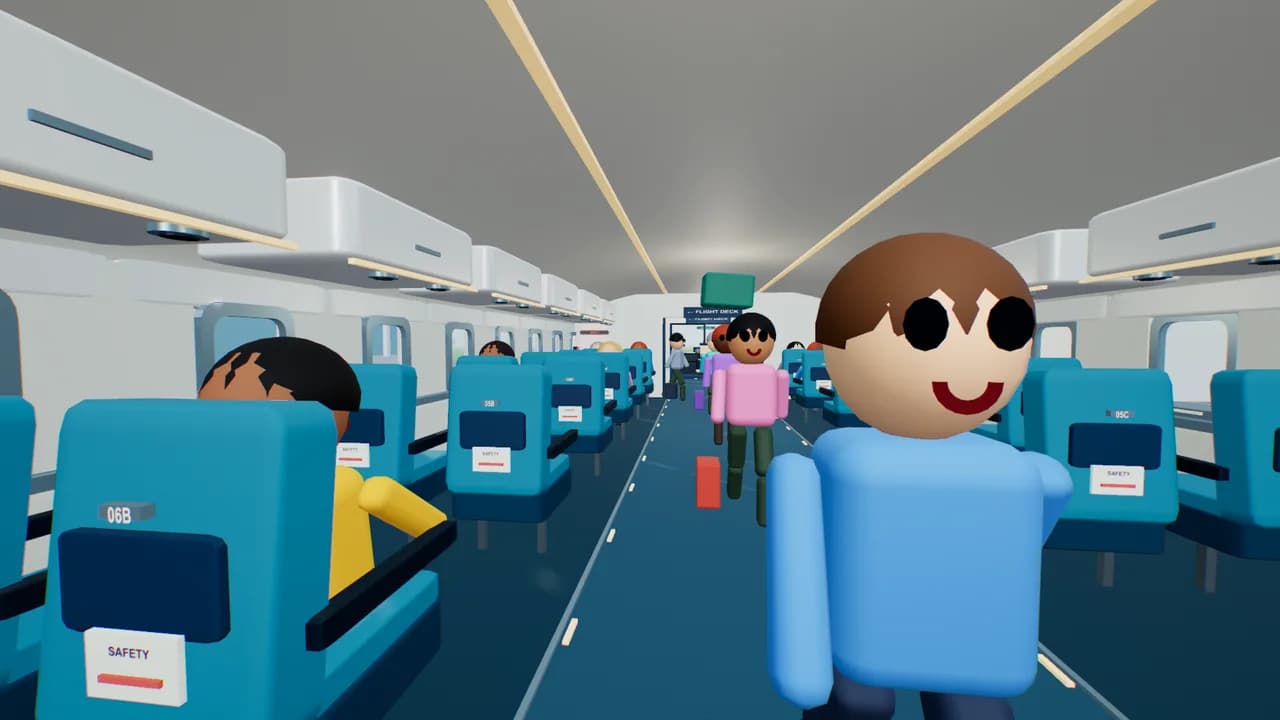
 2–8 players
New · the whole team on one flight
Cabin Crew
Load the bags, board the passengers, nail the takeoff, put out fires and land it. Everyone gets a job.
Create a team roomFor the person organizing the fun
Bring your coworkers together for a browser game break. A shared challenge, a few ridiculous moments, and something to talk about after the call.
Use a short game break for cross-team introductions, office socials, or a change of pace on a shared call.
Give launch celebrations and sprint wrap-ups a playful finish with a game the group chooses together.
Give everyone their own device, mix up the rooms, and keep remote teammates in the conversation.
Find your game
Cooperate, compete, or just laugh at the physics. Find a game for your group.
7 games fit your group · Room limits include all players.
2–8 playersNew · the whole team on one flight
Load the bags, board the passengers, nail the takeoff, put out fires and land it. Everyone gets a job.
Create a team room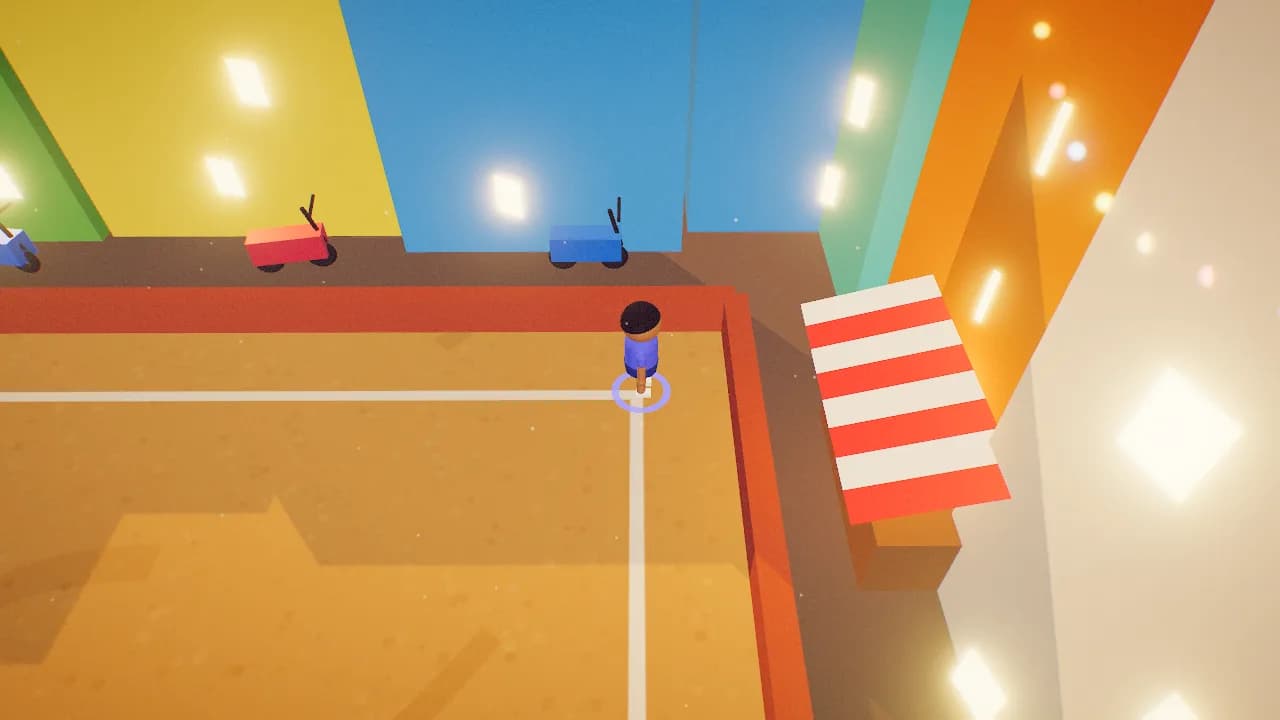 2–10 players
An easy place to start
One ball. A very enthusiastic crowd. Chase the landing spot and time your catch.
Create a team room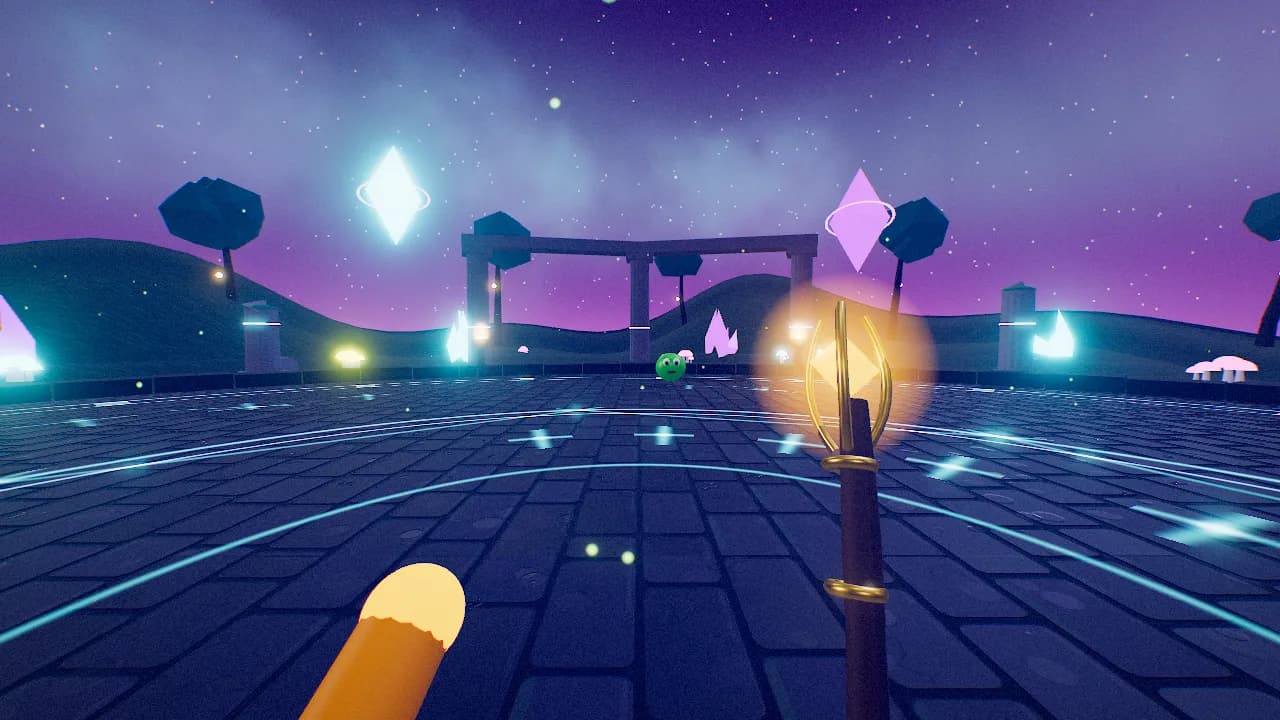 2–8 players
Everyone on the same side
Team up as wizards, revive your friends, and try to keep the monster horde at bay.
Create a team room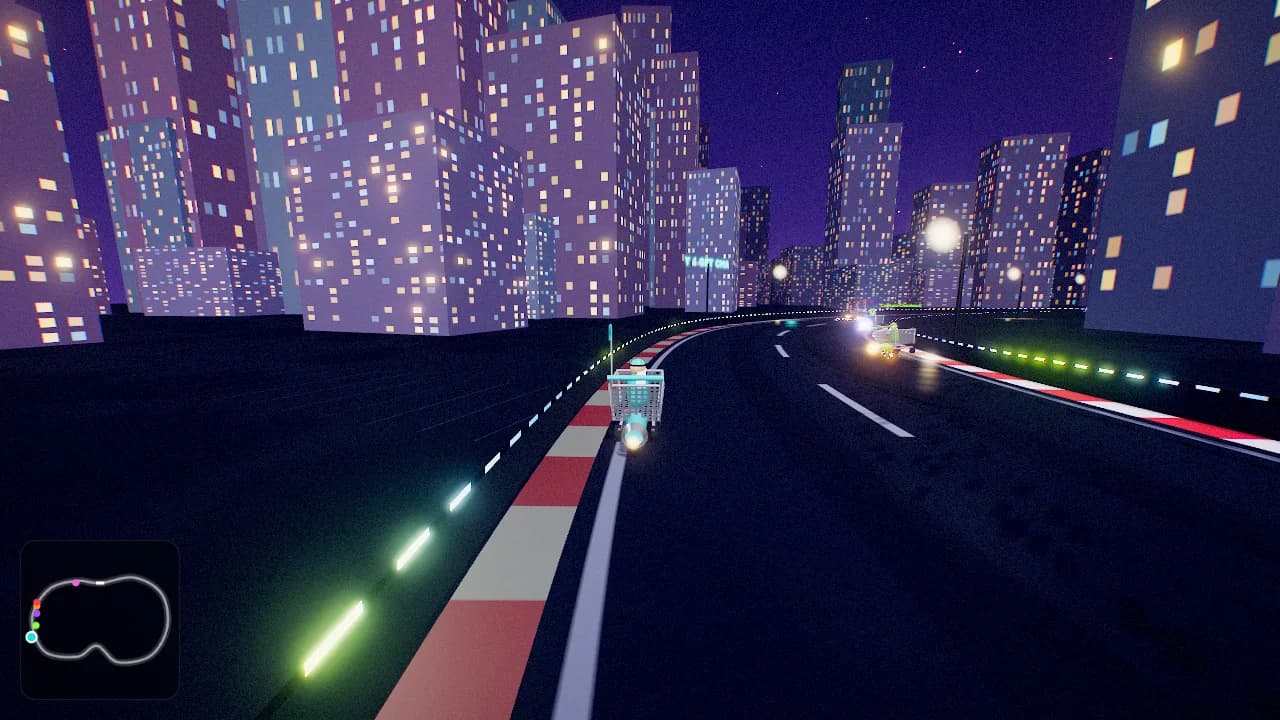 2–10 players
For the rematch crowd
Rocket-powered shopping carts. Banana peels. A new story for the team chat.
Create a team room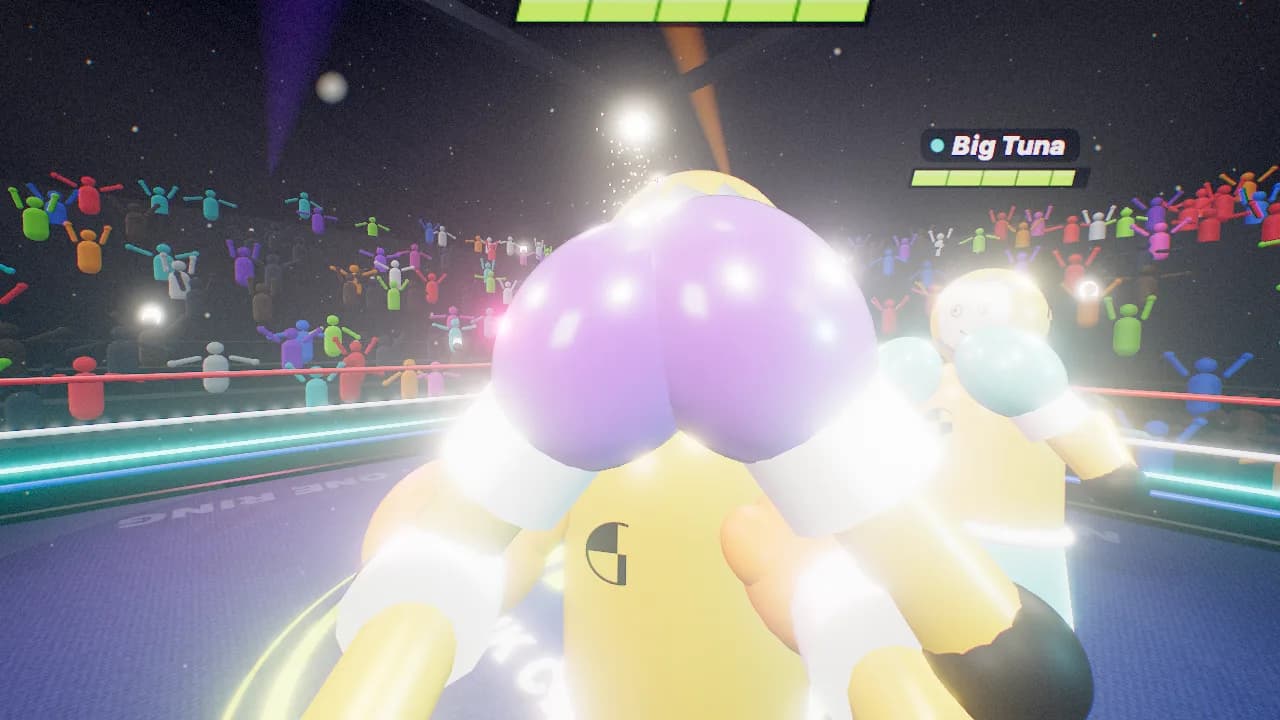 2–10 players
Maximum silliness
A ring full of crash-test dummies and cartoon knockback. Let the friendly chaos begin.
Create a team room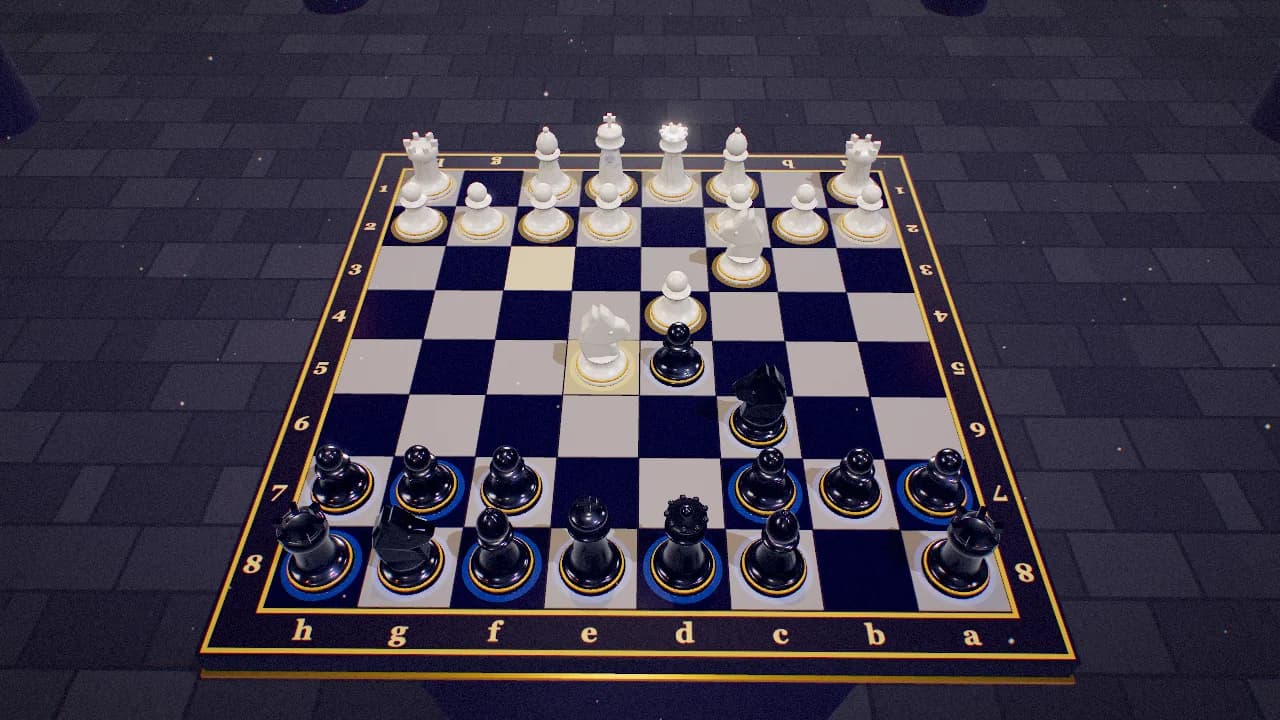 2 players
A quieter two-player break
Classic chess with a little extra spectacle. Pick a clock or take your time.
Create a team room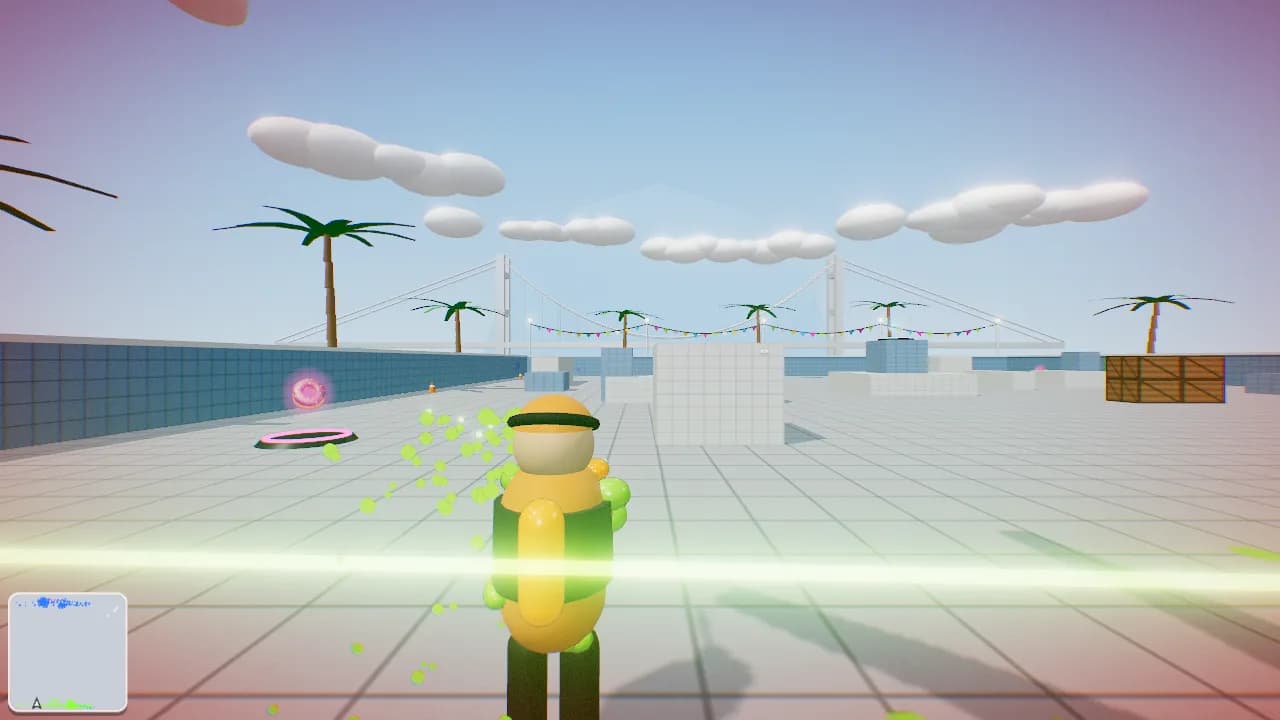 2–10 players
Mix up the teams
Paint-blaster battles with a Red vs Blue option. Swap sides and go again.
Create a team roomMore than 10? Split into rooms and rotate between rounds. Try the controls on your team's devices before your first session.
A suggested agenda, not a game timer
Send the game link with the calendar invite, then follow this loose plan. Match length varies; choose shorter settings and leave time for setup.
Copy this into your invite
“Optional game break! We'll try a browser game together for 20 minutes. Keep our usual call open, bring your own device, and join for a warm-up. Happy to have you just hang out, too.”
00–03 minutes
Share the invite, check sound and controls, and help anyone who gets stuck. Avoid leaving setup to a countdown.
03–07 minutes
Explain the goal in a sentence and try the controls together. Keep difficulty low and skip scorekeeping.
07–17 minutes
Try a few short rounds. Rotate groups between matches, or stay together in Hexfall for a shared challenge.
17–20 minutes
Leave space for the best moment of the round. Ask whether people want another session and wrap up on time.
The team playbook
Practical ideas for small groups, remote teams, first-time hosts, and people who just want a fun Friday.
Start here
Choose a format your team actually wants to play.
For organizers
Plan an office game break with clear expectations.
For small teams
Make room for a little play between shipping things.
Pick a game
Find a game that fits your group and its energy.
Short breaks
Keep a quick warm-up from taking over the meeting.
Remote work
Bring distributed teammates into the same round.
On a call
Keep your call open and play in a browser tab.
Group size
Plan for pairs, small squads, and mixed experience.
Friday plans
Build a relaxed social with room to opt in.
A little chaos
Understand the appeal of silly shared game moments.
Work together
Choose a shared goal over another leaderboard.
Getting ready
Check browsers, controls, and access before game time.
Meeting warm-ups
Help a new group settle in without putting anyone on the spot.
On a call
Plan browser play around your team's usual call setup.
On a call
Share a game link and keep the conversation going.
Friday plans
End the week with a short, optional game session.
Hybrid work
Include remote coworkers in an office game break.
For organizers
Design a voluntary social with useful feedback.
Group size
Organize small rooms into a bigger team event.
Choose your format
Find activities that respect different comfort levels.
Try a separate make-and-share session with game generation, 3D assets, sprites, or audio. Generated prototypes are not automatically multiplayer.