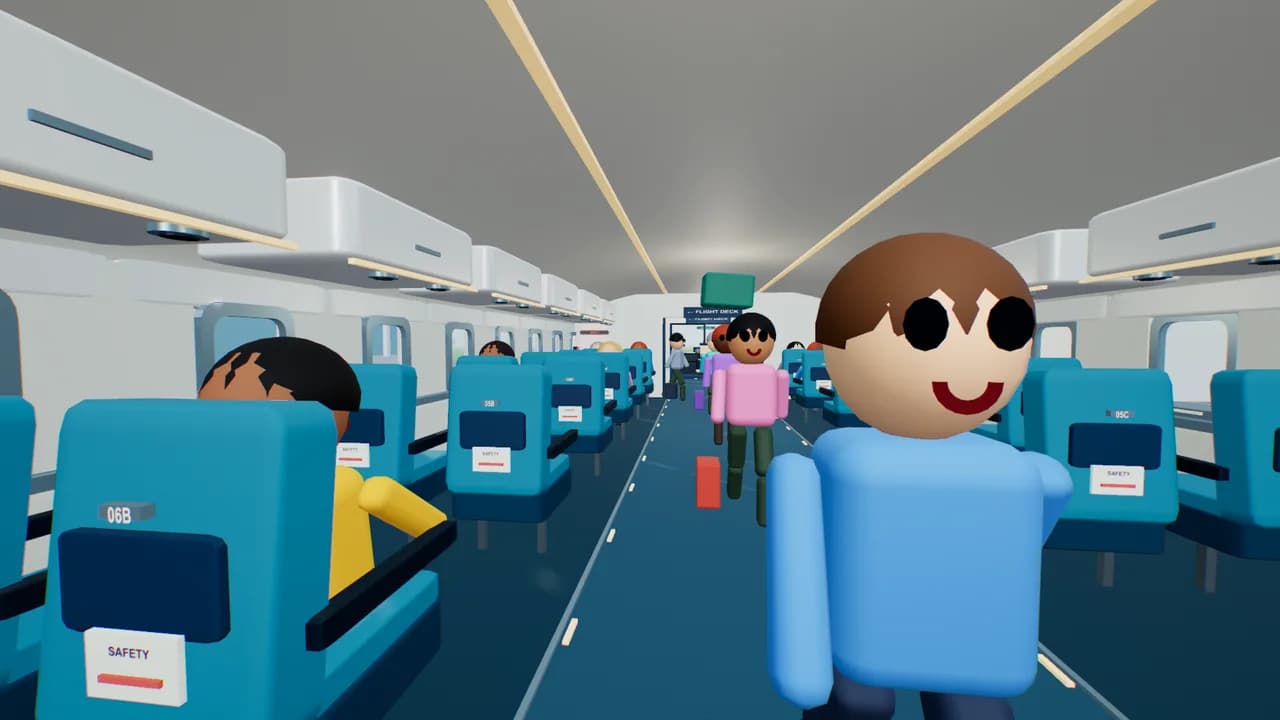
 2–8 players
New · the whole team on one flight
Cabin Crew
Load the bags, board the passengers, nail the takeoff, put out fires and land it. Everyone gets a job.
Create a team roomBrowser games for team bonding
Free multiplayer browser games for coworkers and friends. Share a link. Play a round. Make it a rematch.
Find your game
Cooperate, compete, or just laugh at the physics. Find a game for your group.
7 games fit your group · Room limits include all players.
2–8 playersNew · the whole team on one flight
Load the bags, board the passengers, nail the takeoff, put out fires and land it. Everyone gets a job.
Create a team room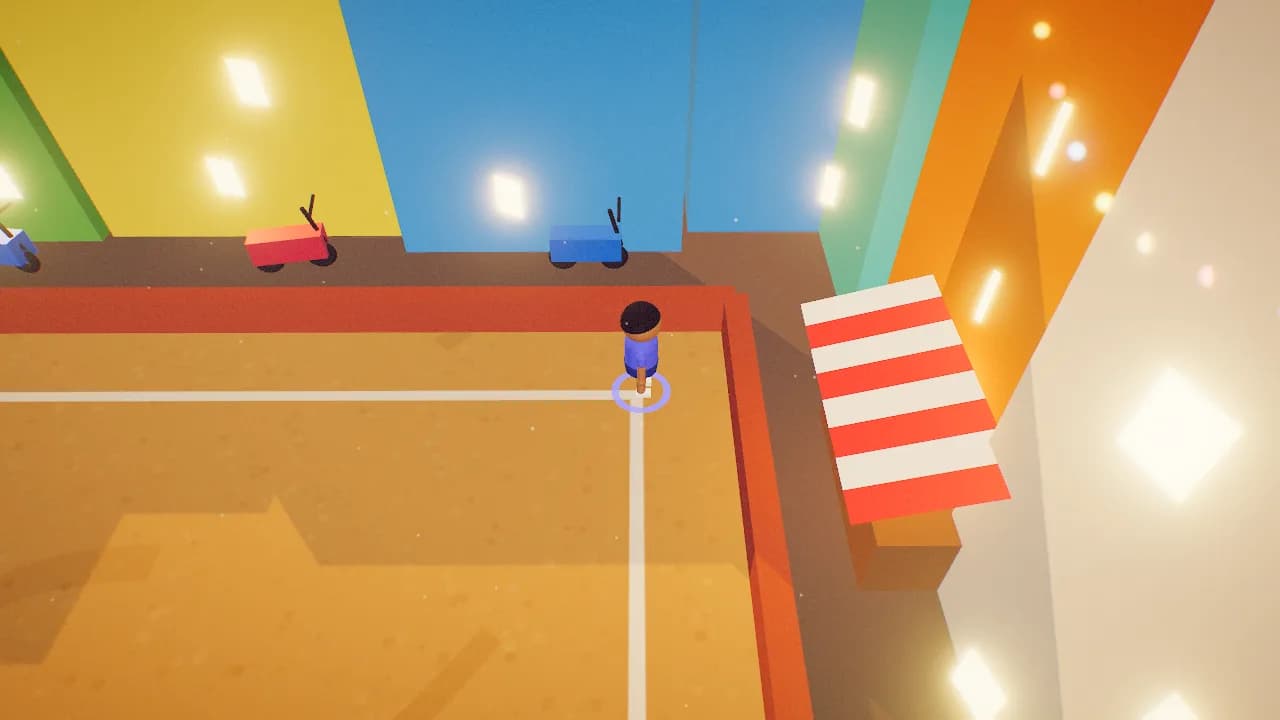 2–10 players
An easy place to start
One ball. A very enthusiastic crowd. Chase the landing spot and time your catch.
Create a team room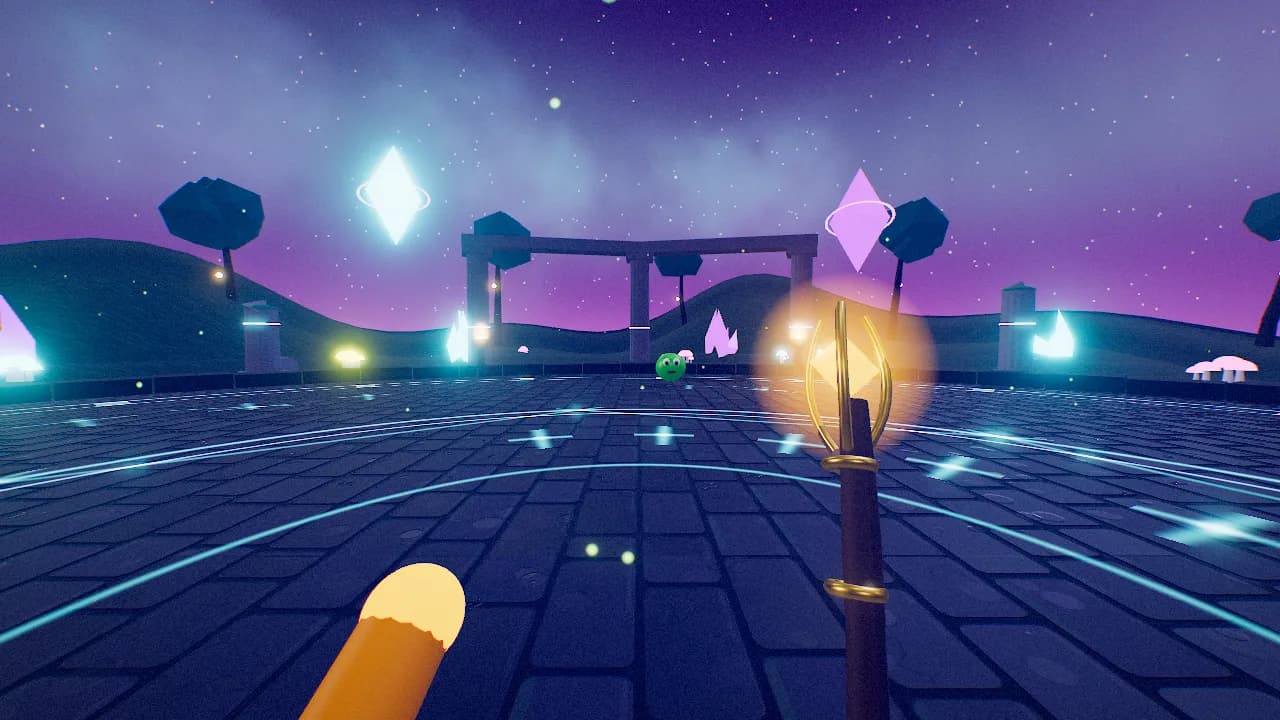 2–8 players
Everyone on the same side
Team up as wizards, revive your friends, and try to keep the monster horde at bay.
Create a team room 2–10 players
For the rematch crowd
Rocket-powered shopping carts. Banana peels. A new story for the team chat.
Create a team room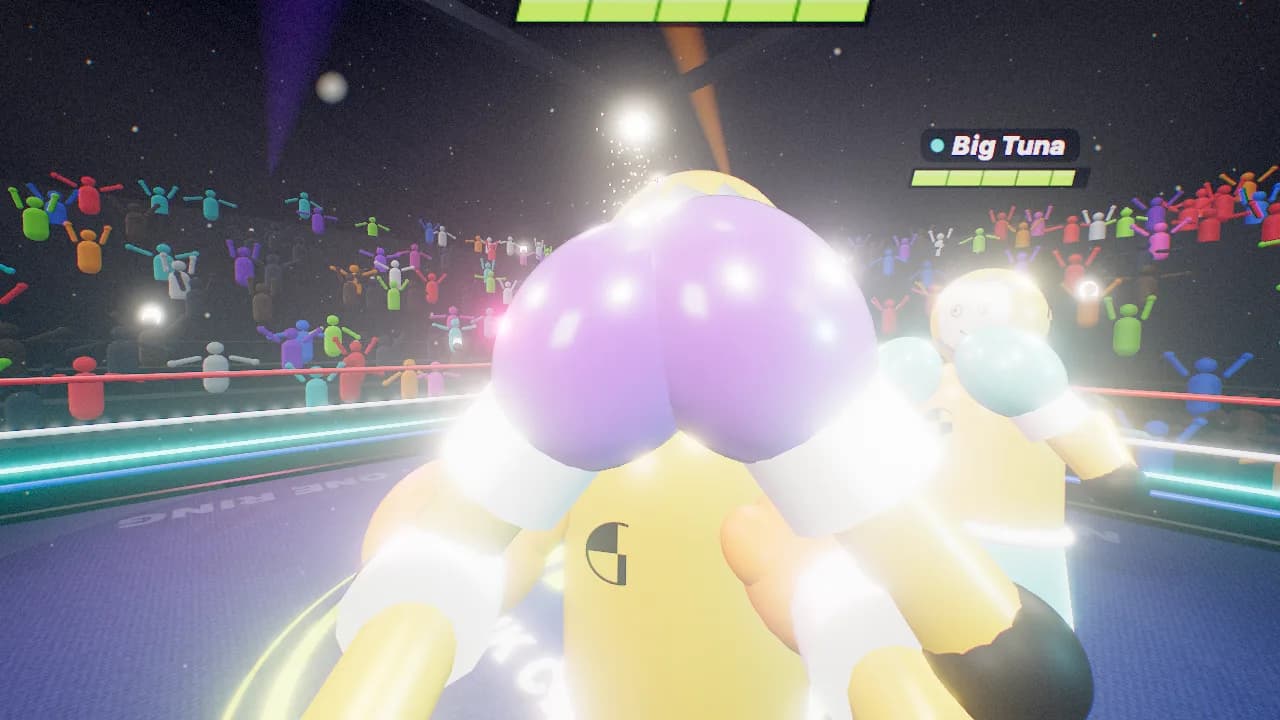 2–10 players
Maximum silliness
A ring full of crash-test dummies and cartoon knockback. Let the friendly chaos begin.
Create a team room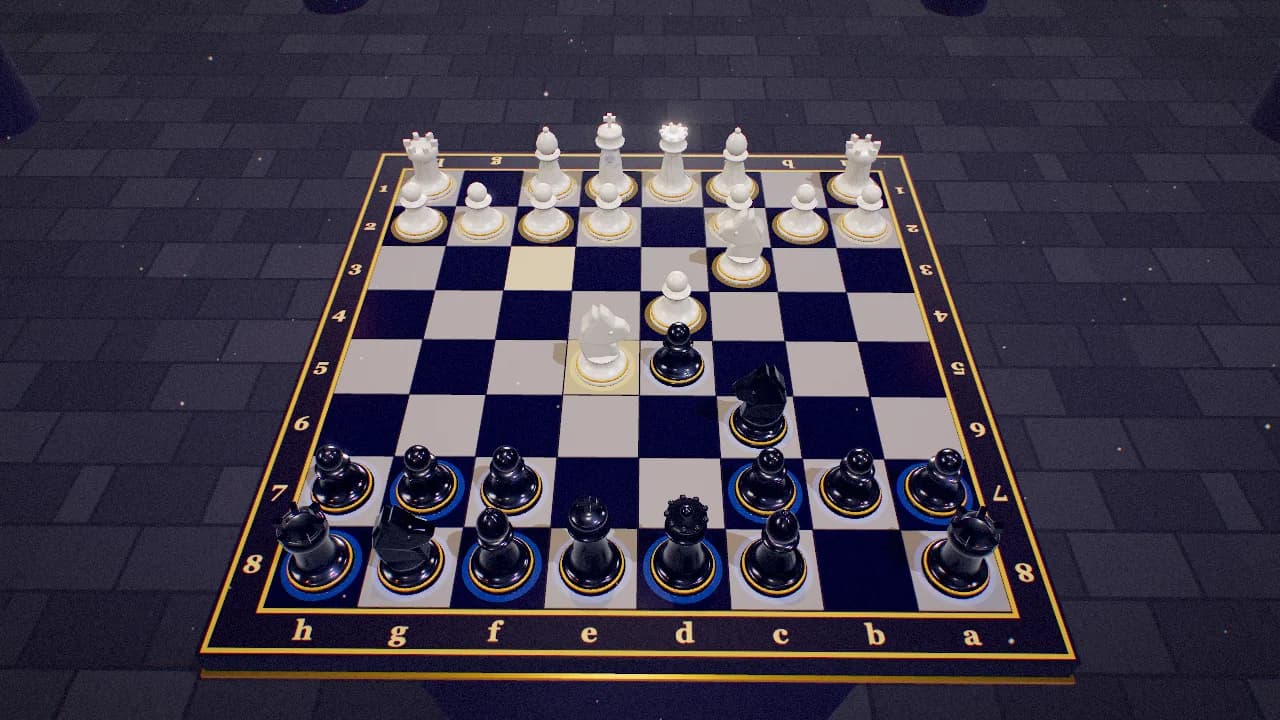 2 players
A quieter two-player break
Classic chess with a little extra spectacle. Pick a clock or take your time.
Create a team room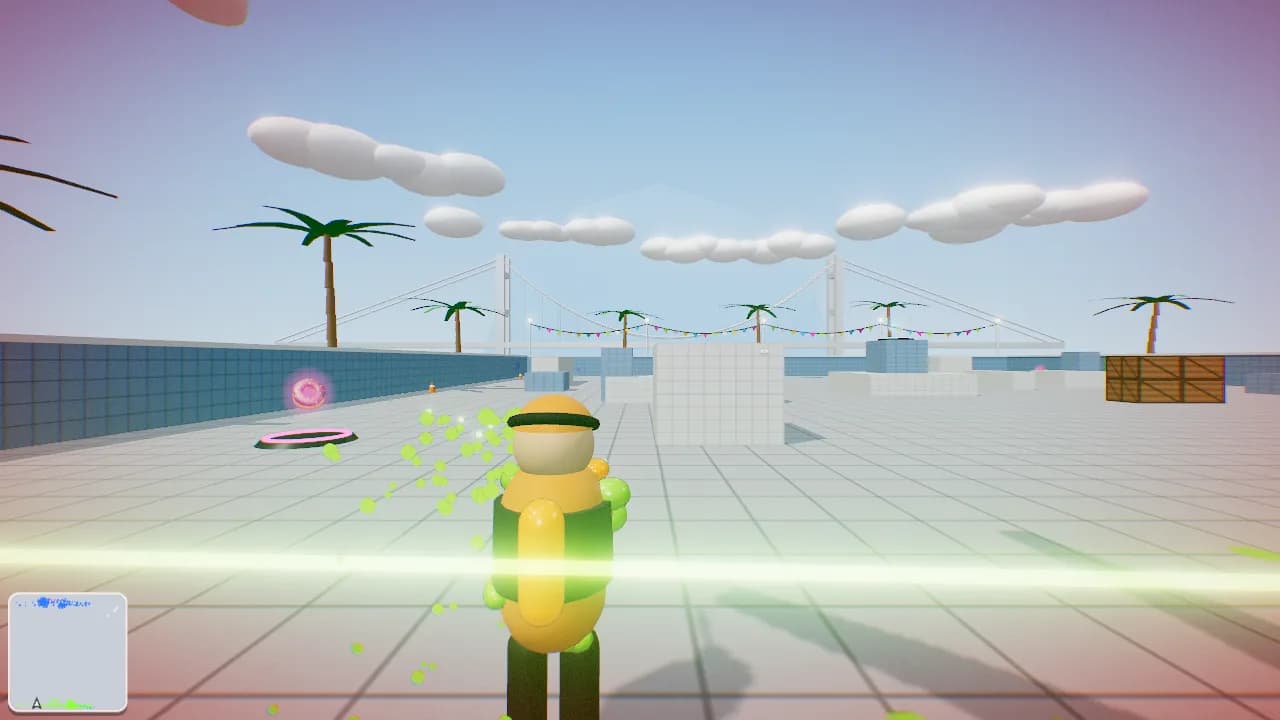 2–10 players
Mix up the teams
Paint-blaster battles with a Red vs Blue option. Swap sides and go again.
Create a team roomMore than 10? Split into rooms and rotate between rounds. Try the controls on your team's devices before your first session.
Less setup. More “again?”
Keep the call open. Leave a little room for silliness. Turn a calendar slot into something you can laugh about together.
The host's quick-start guideStart with the group size and mood. Try solo practice to learn the controls before the team arrives.
Share the invite in your team chat. Each person joins on their own device; keep your usual call open for conversation.
Explain the controls, make the first round a warm-up, and let people join in or sit it out. Stop at the time you agreed.
A little help with the planning
Before the first round
bunpav is a collection of free multiplayer browser games for coworkers and friends. Use a short game break for a remote social, an office catch-up, or a startup team hangout. Pick a game, create a room, and share its link or code.
Room capacity varies by game. Turbo Trolley and Bonk Club support up to 10, Hexfall up to 8, and Smash Chess 2. Check the selected game’s limit. For larger groups, organize several rooms and rotate groups between rounds.
The multiplayer games run in the browser and use a nickname to join, with no bunpav account required. Try a practice round on your work device first; browser graphics support, controls, and workplace network policies can affect play.
Yes. Keep your usual call open for conversation and open the game in another tab. Each player joins on their own device. bunpav does not require a video-call integration.
The multiplayer browser games are free to play. Game and asset creation tools remain available separately; some generation tools use credits. Check the generation pricing page for current plans.
Use Create room and share the invite link or room code with your team. Keep the public-room setting off. Anyone who has the link or code may be able to join; this is not an enterprise access-control feature.
For the makers on your team
Generate a game, build an asset, or make your own sounds. All your creation tools have a home here.
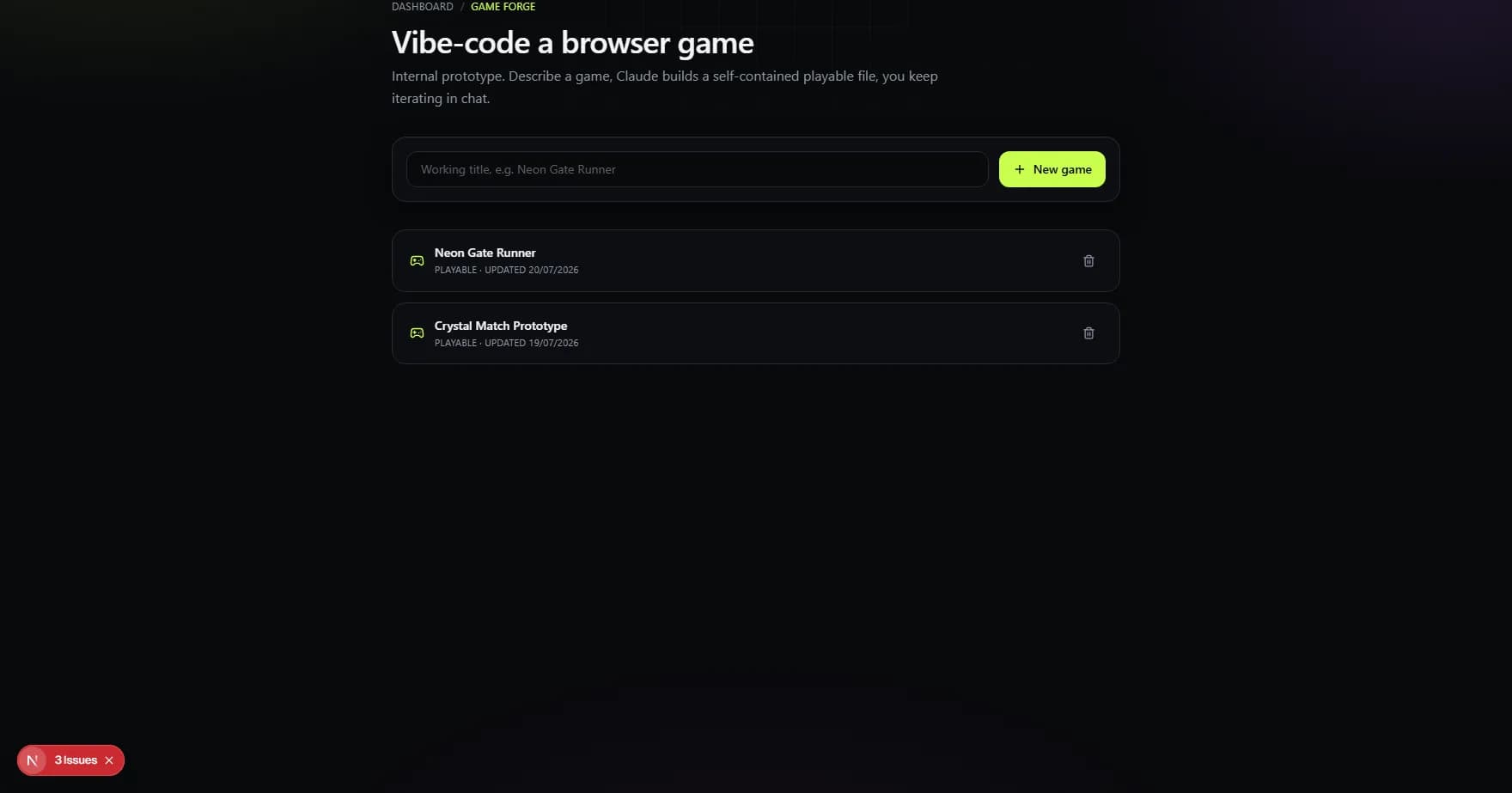
Game Forge
Take a game idea from prompt to playable prototype.
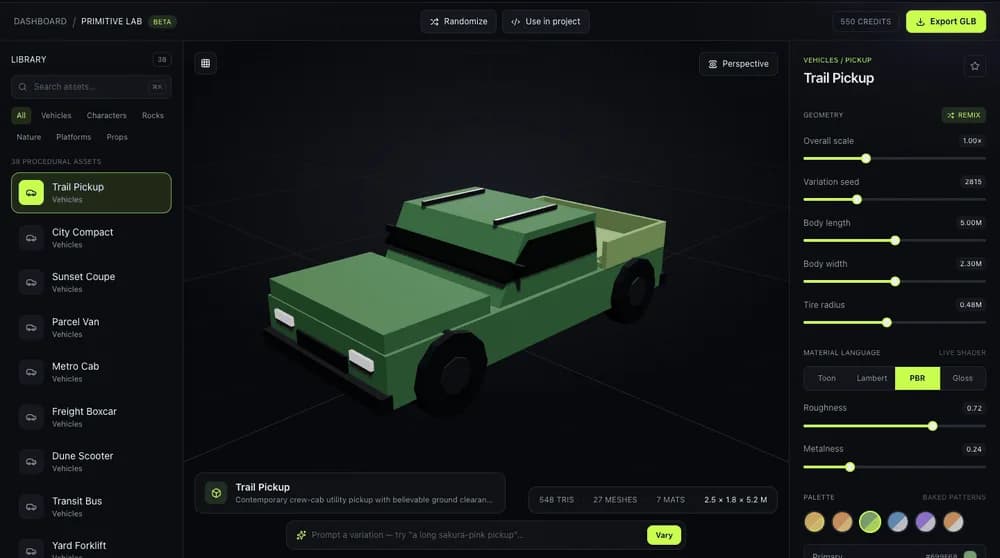
Primitive Lab
Shape procedural 3D assets, adjust palettes, and export GLB.
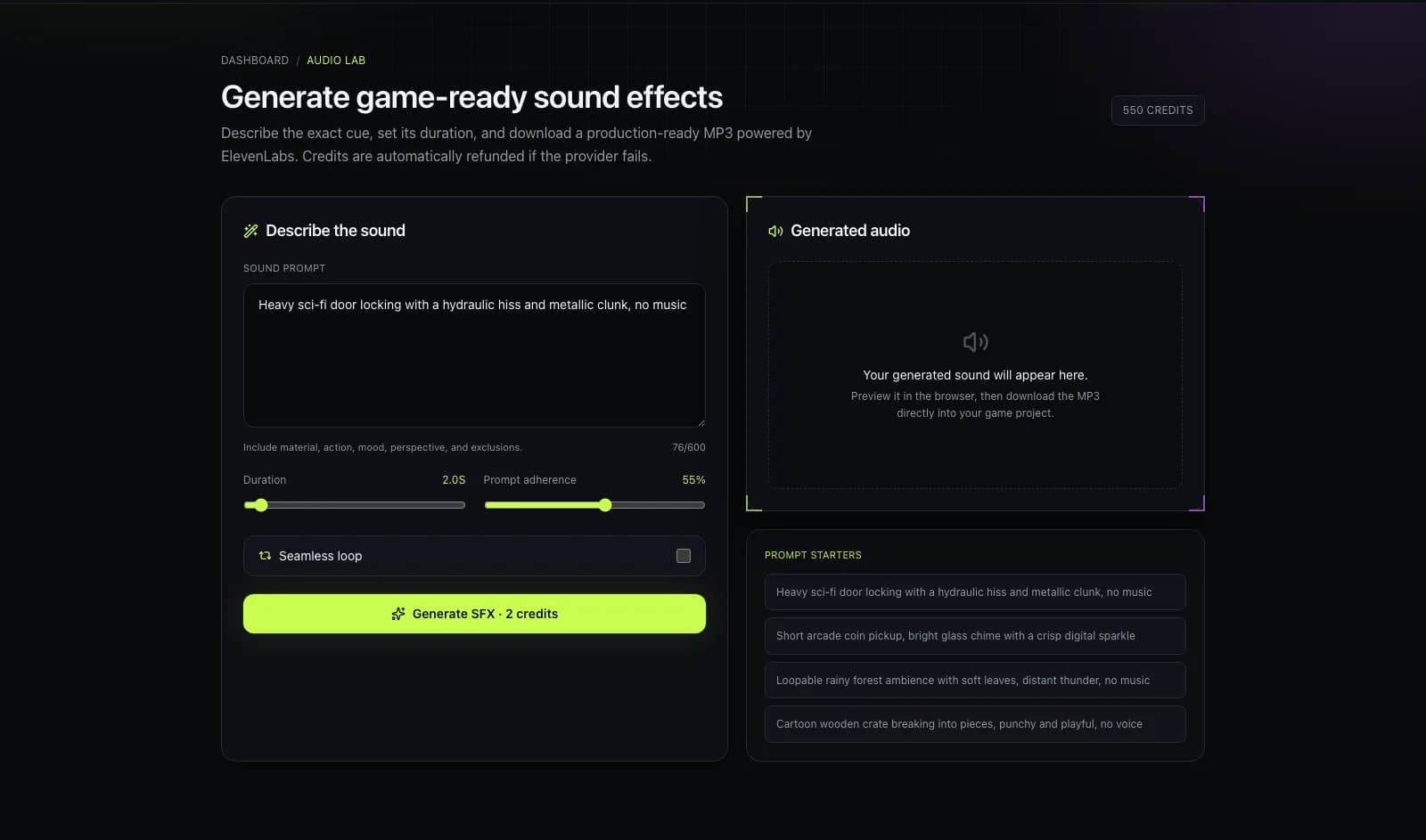
Audio Lab
Generate sound effects, Foley, and short ambient loops.
Multiplayer games are free. Some creation tools use credits; generated prototypes have their own capabilities and are not automatically multiplayer team games.
Join the creator beta list for updates on upcoming generation features.
No spam. One launch email. See the Privacy Policy.